

Ok, so this is the blog post for friends, ex-wife’s, family and friends that would like to upgrade to Windows 10, this is NOT for enterprise deployment at all!
– Uninstall all software you DON’T use or need
– Run Windows update and make sure all patches are installed
– Reboot the machine at least one time after all the patches are installed and there are no more patches left to install
– Run the Disk Cleanup utility, select system and cleanup everything.
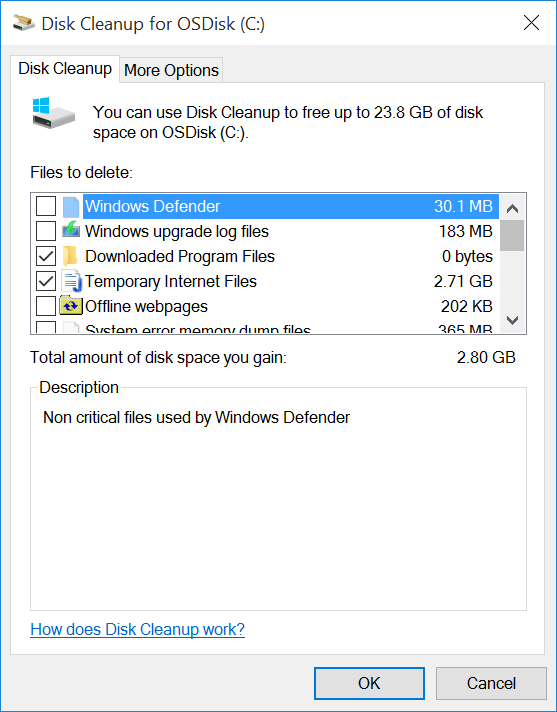
– Run the defrag utility

– Run the Error Check tool for the hard drive
– Upgrade to Windows 10!
– Run Windows update
– Have fun!
Note: If you are upgrading using media, do not run setup.exe over the network, make sure to copy the ISO locally first, or run from a USB, CD/DVD
Share this:

Categories: OS Deployment, OSD, Windows 10

 The Deployment Bunny