

Sometimes you need to run the full UI of Windows Server 2016 and when you do you get the extremely annoying Download Maps Manager error in Server Manager. First of all, you don’t need it, and even if you did need it, it does not work anyway. So, what to do then? Disable it using PowerShell or use GPO’s
Issue:
Download Maps Manager MapBroker Stopped Automatic (Delayed Start)

Fix:
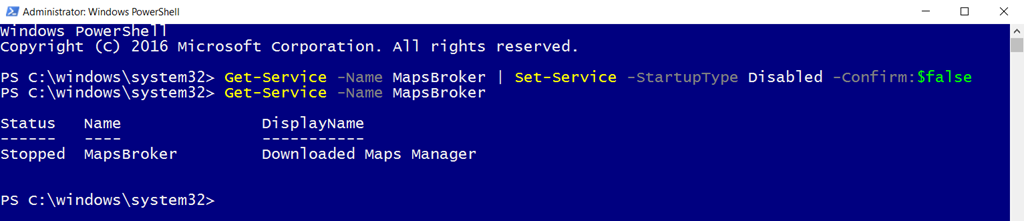
Use PowerShell:
Get-Service -Name MapsBroker | Set-Service -StartupType Disabled -Confirm:$false
Use GPO:
Create a policy, configure it to affect all Windows Server 2016, set the Download Maps Manager to Disabled, save, done

/mike
Share this:

Categories: Windows Server 2016

 The Deployment Bunny
Thanks for that. I’ve been noticing that pop-up too. Very helpful to know the direct path to the fix.
You can also just go into services.msc and set the startup type to disabled from in there as well.
In theory, yes, but the idea is to not do anything manual, instead automate it.